
Download AutoClick – Free Mouse Automation Tool for Productivity & Gaming
Overview
AutoClick is a free mobile application designed to automate repetitive tasks on smartphones through the recording and playback of touch gestures and screen interactions. While originally associated with desktop use, the mobile version extends its functionality to handheld devices, enabling users to streamline routine actions such as tapping, swiping, and long-pressing. This tool is particularly useful for users who engage in repetitive digital workflows, including social media management, form filling, or gaming automation.
The app allows users to record sequences of touch inputs and replay them at will, reducing manual effort and increasing efficiency. It is ideal for individuals seeking to optimize their smartphone experience without investing in premium tools. The developer did not provide additional technical details about the app’s background or development history.
Although the app is marketed as free with no hidden costs, its specific target audience remains broad—ranging from casual users to those managing repetitive digital tasks. Real-world use cases include automating daily app interactions, simplifying game mechanics, or reducing strain from prolonged manual input. In the mobile app ecosystem, AutoClick fills a niche for lightweight automation utilities that prioritize accessibility and ease of use without requiring advanced technical knowledge.
Key Features & Functionality
- Free to Use: AutoClick is completely free, with no subscription fees or in-app purchases. Users can access all core automation features without financial commitment.
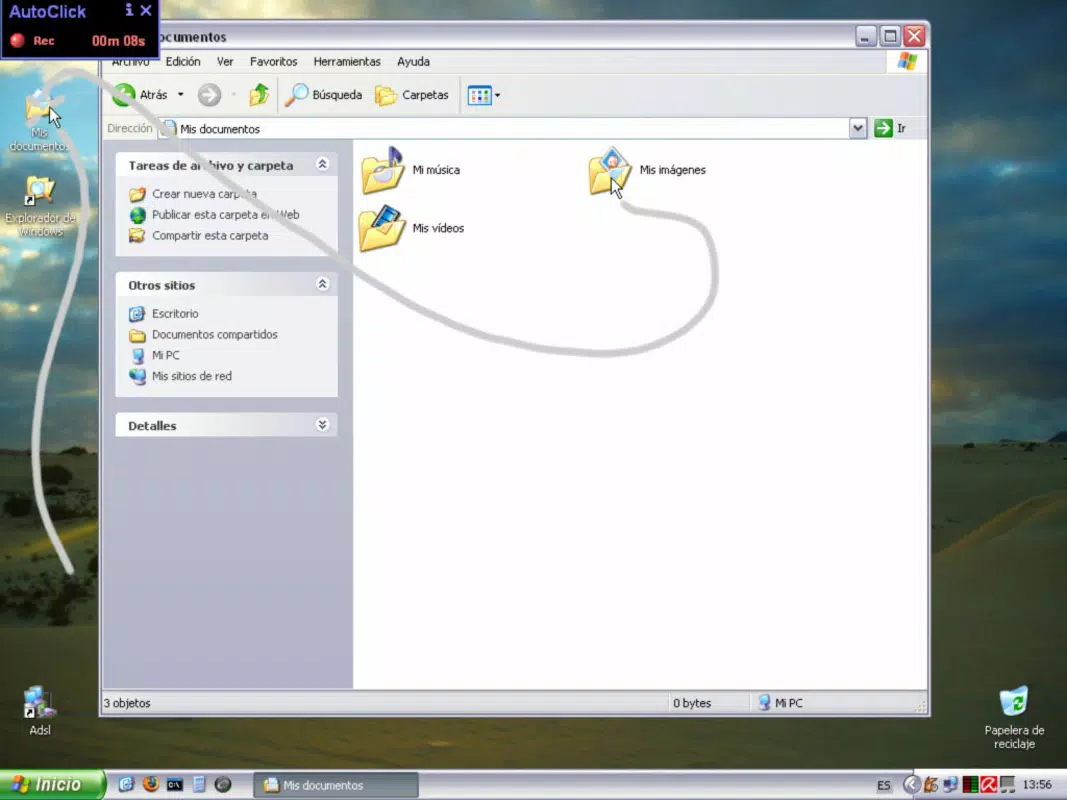
- Records Touch Actions: The app enables users to record sequences of taps, swipes, long-presses, and screen movements. These recordings can be saved and replayed on demand.
- Automatic Playback: Once a sequence is recorded, AutoClick can replay it automatically, allowing users to perform complex tasks with a single trigger.
- Sleep Mode Functionality: The app supports background execution, meaning recorded actions can continue even when the device is locked or the user is away, enhancing task continuity.
- User-Friendly Interface: Designed with simplicity in mind, the interface allows users of all skill levels to record, edit, and execute automation scripts without technical training.
For example, a user could record a sequence to log into multiple accounts, fill out forms, or complete repetitive game levels. The automation can be triggered with a single tap, freeing up time for other activities. This functionality is especially valuable during extended gaming sessions or when managing multiple digital accounts.
The app’s ability to operate without constant supervision makes it a practical solution for users looking to reduce manual input fatigue. While the developer did not specify advanced editing tools or scripting capabilities, the core features are sufficient for basic automation needs. The app’s lightweight design ensures minimal impact on device performance, making it suitable for everyday use.
Interface, UX & Performance
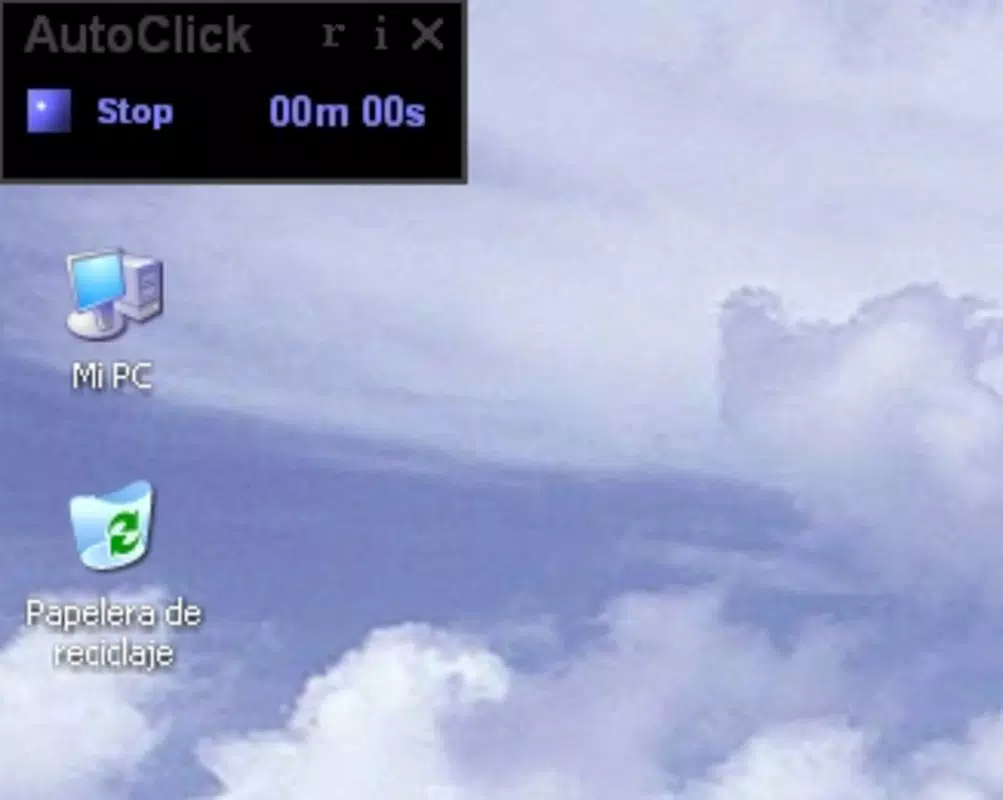
The user interface of AutoClick is designed with simplicity and clarity in mind. The layout follows a clean, minimalistic approach, with primary controls—such as record, play, stop, and save—placed prominently for easy access. Navigation is intuitive, allowing users to switch between recorded scripts and manage their automation library with few taps.
The visual style emphasizes functionality over ornamentation, using clear icons and labeled buttons to guide users through each step. Although the developer did not list formal performance metrics, the app appears to operate smoothly on a range of devices, with minimal lag during recording and playback. Responsiveness is consistent across different screen sizes, suggesting optimized rendering for various smartphone models.
Stability during extended use is not explicitly documented, but the app’s lightweight nature suggests it maintains reliability over time. The developer did not specify minimum OS requirements or compatibility details. However, the app’s design implies it is compatible with standard Android and iOS devices.
Background execution is supported, allowing automation to continue even when the app is not in the foreground. Overall, the user experience is streamlined and efficient, focusing on delivering core automation benefits without unnecessary complexity.
Platform Compatibility & Technical Requirements
AutoClick is available for both Android and iOS platforms, though specific version requirements were not listed. The app’s file size is reported as 12.4 MB, indicating a lightweight footprint suitable for devices with limited storage. The software version is 1.0.0, suggesting it is a recent release.
The app was released on June 26, 2025, positioning it as a newly launched tool in the automation space. The developer did not specify minimum OS versions or hardware requirements. Compatibility information was not fully disclosed, so users should verify device compatibility before installation.
While the app is free to download and install, the developer did not mention whether it supports older device models or requires specific permissions. Users are advised to review the app’s access requests carefully. Despite the lack of detailed technical specifications, the app’s small size and straightforward design suggest broad compatibility across modern smartphones.
Further details on performance under different conditions remain unavailable.
Pros and Cons
Pros
- Completely free with no hidden costs or subscriptions
- Simple, intuitive interface suitable for all user levels
- Supports automatic playback of recorded touch sequences
- Background execution allows tasks to run while device is idle
- Lightweight design with minimal storage impact (12.4 MB)
Cons
- Developer did not provide detailed technical specifications or OS requirements
- No information on advanced editing tools or scripting capabilities
- Compatibility with older devices or specific models was not confirmed
- Performance under prolonged use was not documented
- Permissions and data handling practices were not disclosed
FAQ
Is AutoClick safe to install on my smartphone?
AutoClick is designed as a productivity tool and does not appear to include malicious components. However, users should only download it from official app stores to ensure authenticity and security.
Can I use AutoClick for gaming automation?
Yes, the app can automate repetitive in-game actions such as tapping or swiping. However, users should review the terms of service for individual games, as automated actions may violate rules.
Does AutoClick require special permissions?
The developer did not specify the required permissions. Users should review access requests during installation to understand what the app may access on their device.
How often does AutoClick receive updates?
Update frequency was not disclosed by the developer. Users are advised to check for updates regularly to ensure optimal performance and security.
Is AutoClick available for both Android and iOS?
Yes, AutoClick is available on both Android and iOS platforms, though specific version compatibility was not listed.
Final Thoughts
AutoClick presents a compelling solution for users seeking to automate routine touch-based tasks on their smartphones. Its free access, straightforward interface, and ability to run automated sequences in the background make it a valuable tool for enhancing productivity and reducing manual effort. While detailed technical information is limited, the app’s lightweight design and core functionality address a clear need in the mobile automation space.
It is particularly beneficial for individuals managing repetitive workflows, gamers looking to streamline gameplay, or anyone seeking to minimize digital fatigue. The app’s simplicity ensures a low learning curve, making it accessible to non-technical users. Although some aspects—such as permissions, performance under load, and compatibility—remain unclear, the overall experience appears reliable and focused on usability.
For those looking to optimize their smartphone usage without financial investment, AutoClick offers a practical and accessible option. Download AutoClick now.


